

This guide covers the Extract Structured API (
POST /2.0/ai/extract_structured). For folder-based extraction without custom code, configure Box Extract in the Box web app.How extraction works
Box AI runs conversion, OCR and layout parsing, then an agentic extraction loop against your schema. You send one file per request. Typical processing time is 10 to 45 seconds, depending on page count and layout density.When to use the API
- Use the Extract Structured API when you need programmatic control: agent overrides, token limits, inline fields, confidence scores, or integration into an existing pipeline.
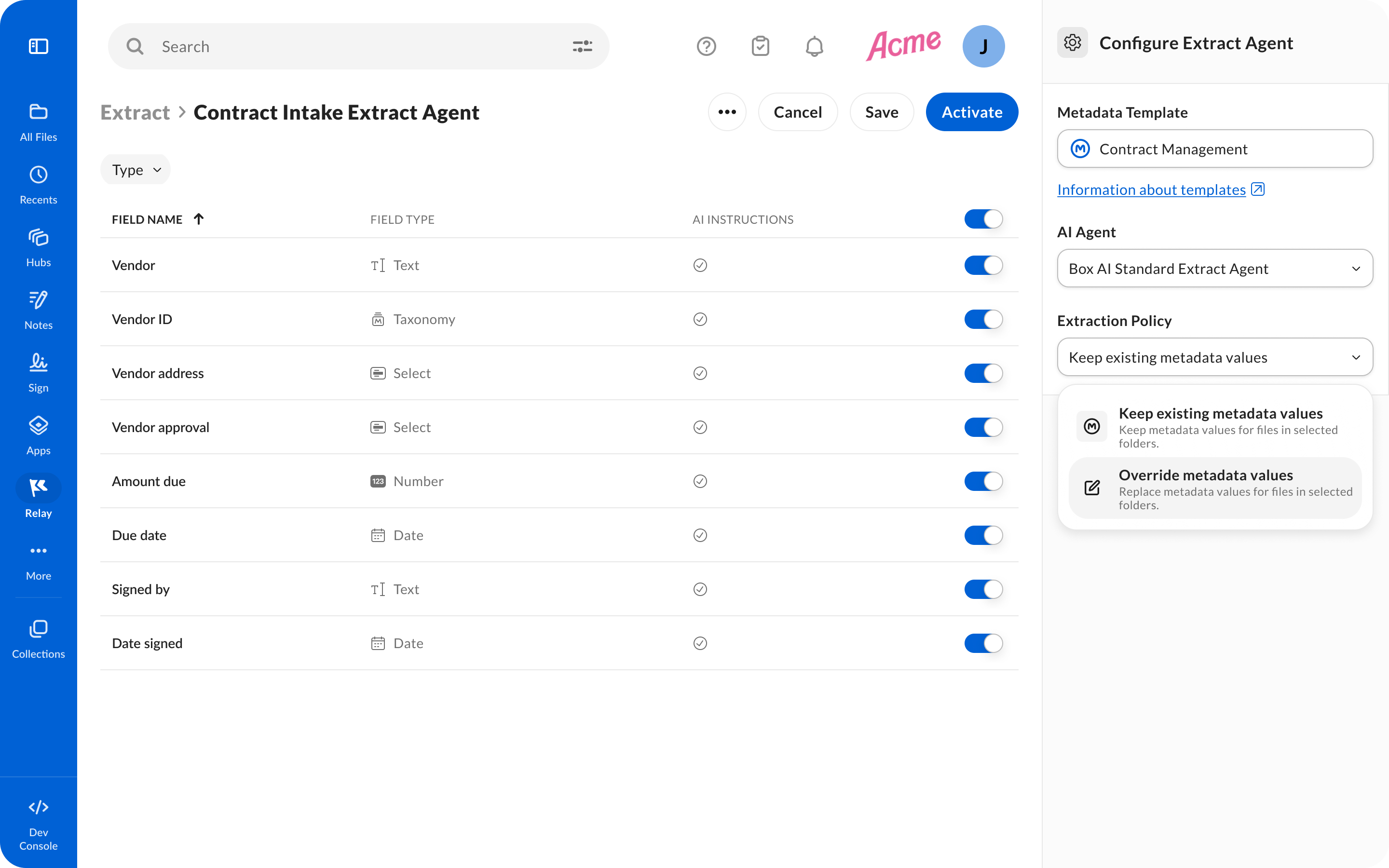
- Use Box Extract in the product UI when users upload files to a folder and you want extraction without API orchestration. Box Extract can reduce development complexity because you don’t build or maintain the integration yourself. To learn more, see Box Extract.
Before you start
- Confirm Box AI is enabled for the enterprise.
- Confirm monthly processing capacity matches the workload. For a large backfill, request an allowance increase before you run the job.
- For a large migration or archive backfill, notify your Box account team so capacity can be planned.
- Enable Manage AI on the app, plus file read (and write if you attach metadata to files).
- Validate the schema and expected output on a small sample of files before a production run.
Design for one extraction per file
Extraction jobs run independently. Store extracted metadata on the file with a Box metadata template, or in your own store. Do not call extract again for a file that already has a successful result. Use a metadata template when the schema is stable and you want values indexed in Box. Use inlinefields for one-off or changing schemas.
Configure the request
Choose an agent
The standard agent is enough for straightforward documents. For multi-column layouts, scanned files, dense tables, or nestedstruct and table fields, use the Enhanced Extract Agent:
ai_agent_info with the model and processor that ran. Check it during development to confirm the override is active.
Set client timeouts
Set the HTTP client timeout to 120 seconds or higher so multi-page documents are not cancelled while the model is still working.Keep schemas focused
More fields increase processing time. Group related attributes into smaller templates when you have a large set of fields, for example billing fields in one template and vendor contact details in another.Raise completion tokens for long answers
If the schema asks for long summaries, clause excerpts, or many table rows, raisenum_tokens_for_completion in the agent override:
Check confidence and citations
Setinclude_confidence_score and include_reference to true when you need per-field confidence and document citations for automated review.
Outputs can vary slightly across runs. Validate against the schema and use confidence scores before writing metadata or triggering downstream work.
Pace and concurrency
- Run 8 or more parallel workers.
- In each worker, send the next request only after the previous one finishes.
- Start with a small batch, then raise concurrency.
- When you can, process shorter documents first. Group 50-page or heavily scanned files for off-peak runs.
412 or 429, wait and resume at a slightly lower rate so cluster capacity can catch up.
Example: paced batch runner
This example uses concurrent workers, exponential backoff, andbox_sdk_gen for JWT auth. Replace the file IDs and field list with your own.
Status codes
Support
When you contact Box Support about a failed or slow extraction job, include:request_idfrom the response- HTTP status and response body
- File ID and enterprise ID
- Request timestamp and time zone
- Field definitions or metadata template key
- Concurrency and client timeout settings