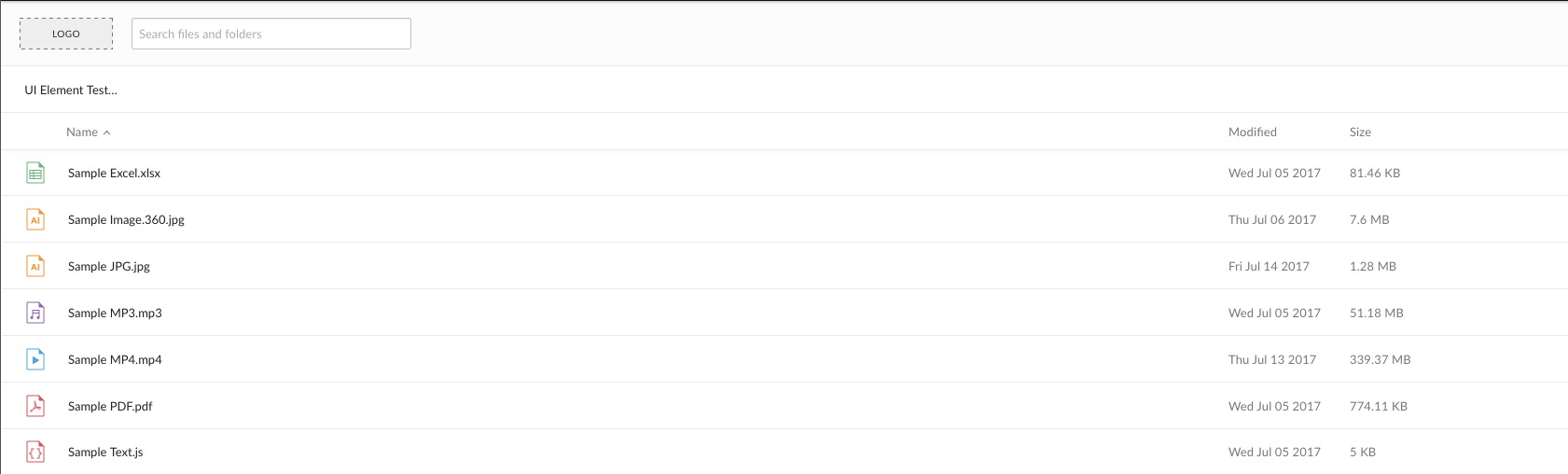
Each of the Box UI Elements allow for specifying a custom logo to place in the
top-left corner of the embedded container.
By default, each of the UI Elements uses a generic placeholder as a logo. This
is meant to be replaced by either a Box logo or a custom logo, such as a
company’s logo.To add a logo to a UI Element, supply a URL for a logo as an option in the
Javascript setup code. The following is an example of how to do this with the
Content Preview UI Element.