> ## Documentation Index
> Fetch the complete documentation index at: https://developer.box.com/llms.txt
> Use this file to discover all available pages before exploring further.
# Box AI Studio
> Create, manage, and deploy custom AI agents through the Box AI Studio API.
export const MultiRelatedLinks = ({sections = []}) => {
if (!sections || sections.length === 0) {
return null;
}
return
;
};
export const Link = ({href, children, className, ...props}) => {
const localizedHref = localizeLink(href);
return
{children}
;
};
Box AI Studio is available only for Enterprise Advanced accounts.
Box AI Studio lets you create custom AI agents through the API. Unlike the standard Box AI API endpoints that use Box's default agent configurations, AI Studio agents let you define purpose-built agents with custom instructions, model selections, and access controls.
For example, you can create an agent that acts as a compliance consultant -- answering questions about customer documentation with FedRAMP Moderate compliance in mind -- and restricts access to specific users or groups.
## Enabling Box AI Studio
Enable Box AI Studio in the Admin Console to start creating agents. For admin instructions, see Enabling Box AI Studio and Managing Agents.
Step-by-step instructions are available in the Get started with AI Studio guide.
## How Box AI Studio relates to Box AI
| Feature | Box AI API | Box AI Studio |
| ----------------- | ------------------------------------------------------------------------------------------ | ----------------------------------------------------------------------------------------------------------- |
| **Use case** | Provides endpoints for Q\&A, text generation, and metadata extraction against files in Box | Lets you create and manage custom AI agents with tailored behavior |
| **Customization** | Override model and prompt per-request using the `ai_agent` parameter | Define persistent agent configurations with custom instructions, models, and access controls |
| **Access** | Business plans and above | Enterprise Advanced only |
| **API endpoints** | `POST /ai/ask`, `POST /ai/text_gen`, `POST /ai/extract`, `POST /ai/extract_structured` | `POST /ai_agents`, `GET /ai_agents`, `GET /ai_agents/{id}`, `PUT /ai_agents/{id}`, `DELETE /ai_agents/{id}` |
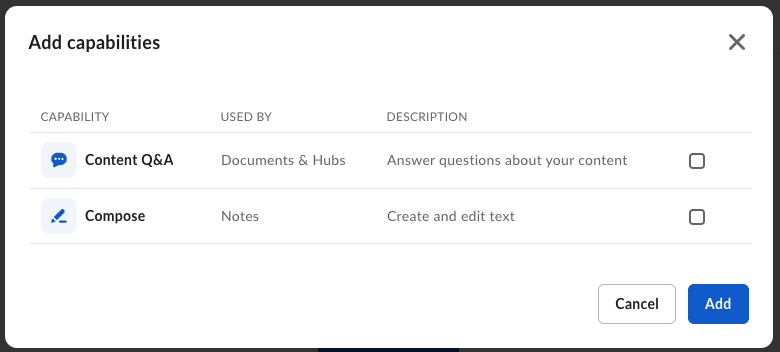
## Capabilities
You can configure AI Studio agents for the following modes:
| Mode | Parameter | Description |
| ------------------- | ---------- | ----------------------------------------------- |
| **Ask** | `ask` | Answer user questions about documents |
| **Text generation** | `text_gen` | Generate text based on file content and prompts |
| **Extraction** | `extract` | Extract metadata from documents |
## Get started
Create a platform app, enable the AI scope, and generate credentials to
start making AI Studio API calls.
Use `POST /ai_agents` to create a custom AI agent with specific
capabilities and access controls.
Retrieve all AI agents in your enterprise, filtered by mode or state.
Get, update, and delete agents by ID.
For admin setup instructions, see [Enabling Box AI Studio and Managing Agents][ai-studio].
[ai-studio]: https://support.box.com/hc/en-us/articles/37228079461267-Enabling-Box-AI-Studio-and-Managing-Agents
 ## Get started